Coach HQ
Problem it solves
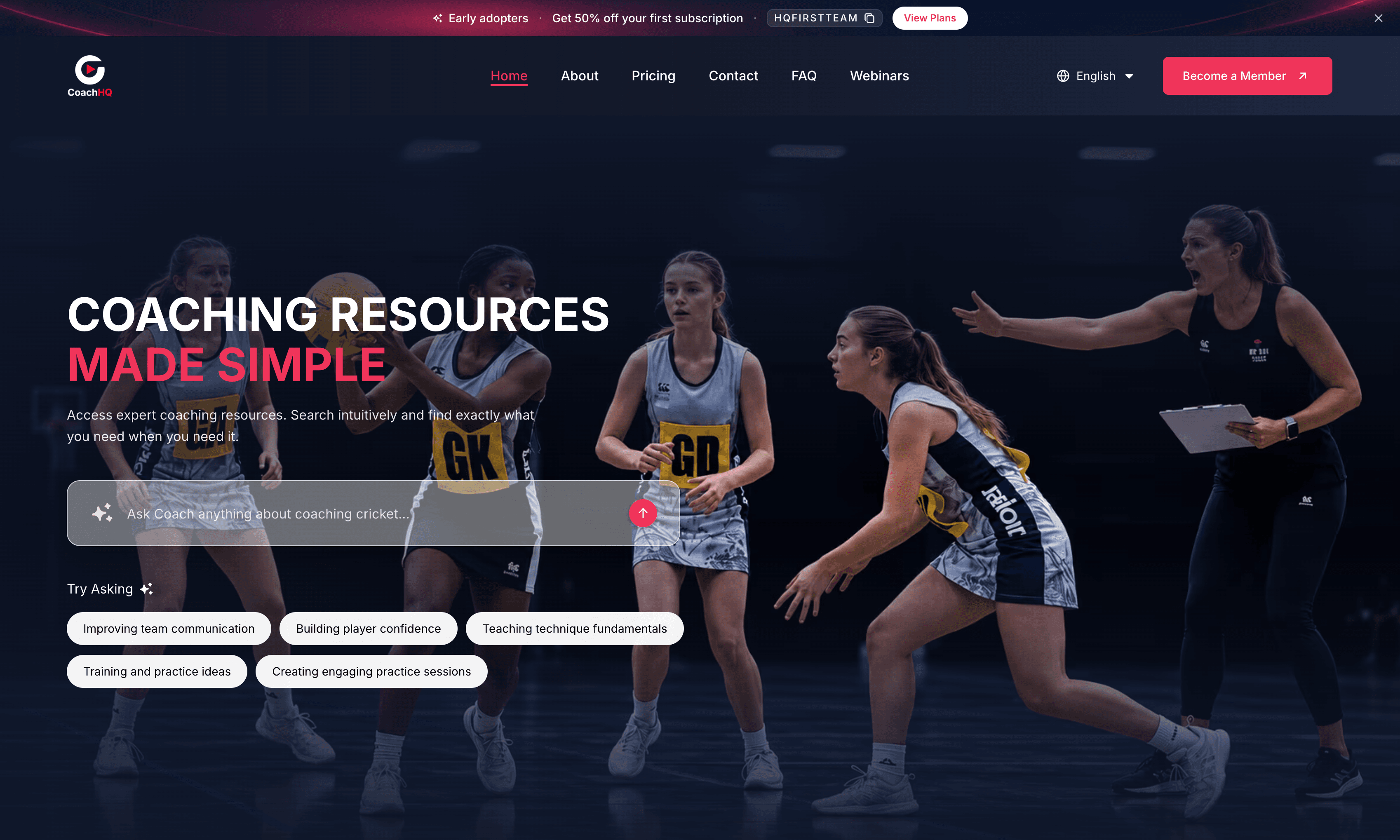
A role-based coaching platform with fine-grained permissions for admin, coach, content creator, and presenter — covering expert drills with HLS streaming, AI-assisted lesson plans and playlists, webinars, subscriptions, vouchers, and invoice billing.
Overview
Coach HQ is a sports coaching platform built around a single dashboard whose UI — sidebar, actions, and features — resolves from role-based access plus fine-grained permissions for admin, coach, content creator, and presenter. Superadmins run the catalog and operations layer: expert drills (video, PDF, or YouTube) that convert to streaming-ready m3u8 with multi-quality, multi-audio, and multi-caption support; thumbnail picking from video frames; AI analysis that drafts the drill form; premium/free and private/community publishing; lesson plans by week and day with optional AI authoring for admins; playlists; member/non-member webinars with presenters, sharing, cancellation, and recording delivery; coach and creator management; taxonomy; subscription plans and vouchers; transactions and subscribers; newsletters; contact and plan enquiries; roles, permissions, and sidebar configuration; FAQs; app versions; OpenAI API usage; and invoices. Coaches and content creators work inside the same product on their drills, the content library, playlists, manual lesson plans, and Stripe card or pay-by-invoice subscriptions.
I built this as a Full Stack Software Developer at Plex Bit Infosystems (Jan 2026 - Present).
Architecture and technical approach
Video drills convert to HLS (m3u8) for multi-quality playback with multi-audio and multi-caption tracks. AI assists admins with drill form fill, lesson plans, playlists, webinar copy, and final quizzes. Coaches subscribe with Stripe card payments or pay-by-invoice — unpaid invoices revoke access after 30 days unless an admin marks them paid.
Implementation used Next.js, TypeScript, Tailwind CSS, Shadcn UI, Stripe, HLS / m3u8 streaming, OpenAI, Role-based access control, and Fine-grained permissions. The same names appear on the skills page.
Key features
- Role-based dashboard with fine-grained permissions for admin, coach, content creator, and presenter — including sidebar items controlled by assigned permissions
- Drill library: upload expert-led sports content (cricket, hockey, and more) as video, PDF, or YouTube
- Streaming-ready video conversion to m3u8 with multi-quality, multi-audio, and multi-caption support
- Thumbnail picker from frames exported from the uploaded video
- AI drill analysis that fills title, description, category, tags, and related form fields after upload
- Assign expert content creators per drill; mark content premium or free; keep private or publish to the community library
- Content creators manage their own drills with the same upload and publishing tools
- Lesson plans: organize weeks and days, place content per day, share plans with organization members
- Create lesson plans manually (all users) or interact with AI (admin only); admin weekly quizzes and AI-generated final quizzes
- Playlists: organize content manually or with AI, then play with autoplay on/off
- Webinars: schedule for Coach HQ members (free) or non-members (paid), AI-enhance titles and descriptions
- Create presenters, assign them to webinars, share via email and social, cancel, and upload recordings sent to attendees
- Member and non-member webinar registration with the join link delivered by email
- Admin management for coaches, content creators, categories, sub-categories, and sport tags
- Subscription plans coaches can purchase; voucher management for admin discounts coaches can redeem
- Admin transaction and subscriber history; coaches see their own transactions
- Admin newsletters with email sending; contact messages and plan enquiry inbox
- Roles and permissions CRUD with permission assignment and sidebar item management
- FAQ management and Android/iOS app version management for admin
- API usage dashboard for external services such as OpenAI
- Invoices for admin and my-invoices for coaches; coaches pay by Stripe card or pay by invoice
- Pay-by-invoice emails the invoice, revokes access if unpaid after 30 days, and lets admin mark invoices paid
- Shared content library for coaches and content creators
Technologies used
- •Next.js
- •TypeScript
- •Tailwind CSS
- •Shadcn UI
- •Stripe
- •HLS / m3u8 streaming
- •OpenAI
- •Role-based access control
- •Fine-grained permissions
Challenges and solutions
Every sidebar item, button, and feature had to resolve from roles and fine-grained permissions, not just the API. Streaming uploads needed m3u8 conversion with multi-quality, multi-audio, and multi-caption support alongside PDF and YouTube sources. AI had to fill drill forms and help build lesson plans and playlists for admins only, while coaches still got full manual authoring. Subscriptions also had to support Stripe card checkout and pay-by-invoice with a 30-day unpaid revoke path that admins can mark paid.
Screenshots
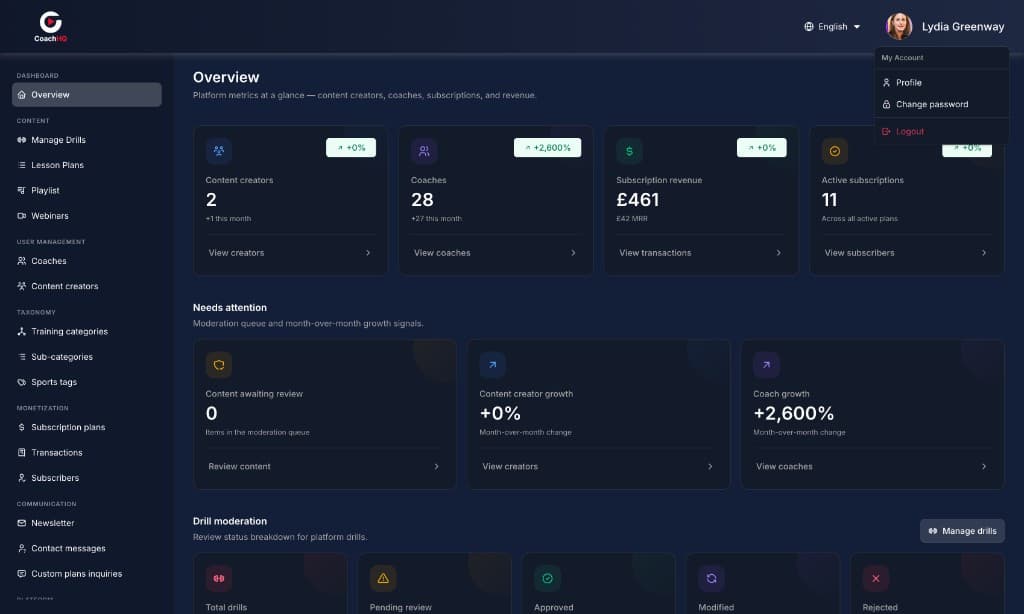
Permission-aware admin overview covering drills, coaches, subscriptions, and content operations.
Contribution and what I learned
Coach HQ is a sports coaching product where one permission-aware dashboard serves superadmins, coaches, content creators, and presenters — from streaming-ready drills and AI-assisted lesson plans through webinars, subscriptions, and invoice billing.
More product work is on all software projects and the Plex Bit Infosystems role. Featured work is also previewed on Diwash Bhattarai's homepage.